

You are going to be redirected to the official website to finish the download when you click these buttons above.
Jigsolitaire may offer social features such as sharing completed puzzles on social media or competing with friends in puzzle-solving challenges. Check the app for specific functionality related to social interactions.
Yes, you can play Jigsolitaire offline after you have downloaded the puzzles. This allows you to enjoy the game without needing an active internet connection. However, some features may require online access.
Yes, Jigsolitaire includes features that allow you to track your progress, including the time taken to complete puzzles and the number of puzzles solved. This can help you challenge yourself to improve your skills.
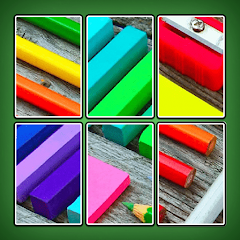
The app allows users to customize their puzzle experience by selecting the number of pieces, the shape of the pieces, and the background color. You can also choose different images to solve based on your interests.
You can download the Jigsolitaire app from the App Store for iOS devices or the Google Play Store for Android devices. Simply search for "Jigsolitaire" in the respective store and follow the prompts to install the app.
Wool Crush™ - Yarn Color Sort
Puzzle

Daily Mahjong Match
Puzzle
Tetris® Block Party
Puzzle
Mahjong Voyage: Tile Matching
Puzzle

Coloring Book: Color by Number
Puzzle
Car Out! Traffic Parking Games
Puzzle

Draw To Smash - Draw Puzzle
Puzzle

Travel Town - Merge Adventure
Puzzle
Block Away - Tap Out Puzzle
Puzzle