

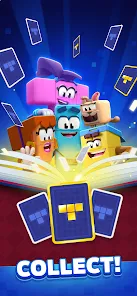
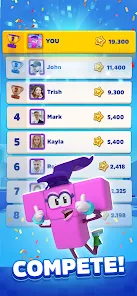
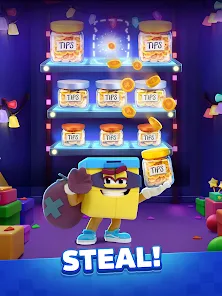
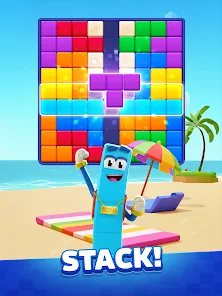
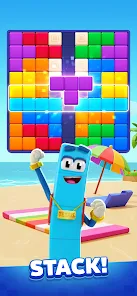
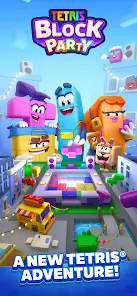
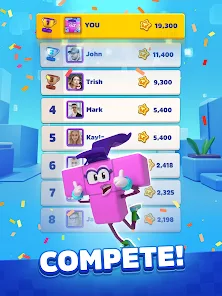
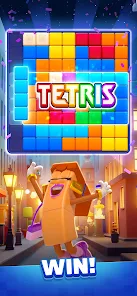
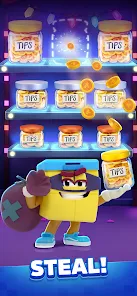
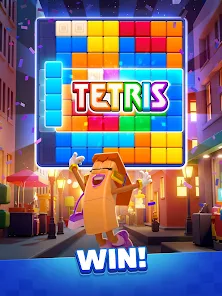
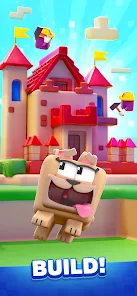
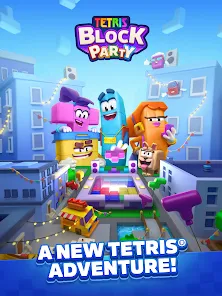
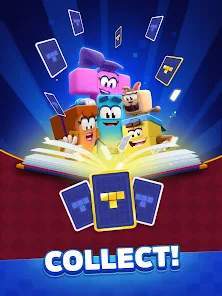
"Tetris® Block Party" offers a vibrant and engaging multiplayer experience that brings a fresh twist to the classic Tetris gameplay. One of its standout features is the ability to play with friends or compete against players from around the world in real-time matches. The game includes various modes, such as party mode, where players can engage in fun challenges and mini-games that add a layer of excitement to the traditional Tetris format.
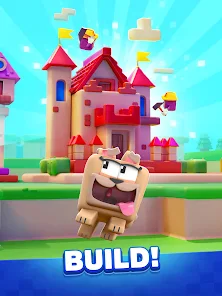
Another notable feature is the customizable avatars and unique power-ups that players can utilize to gain an advantage during matches. The game also boasts colorful graphics and lively animations, enhancing the overall visual appeal. Additionally, "Tetris® Block Party" incorporates social elements, allowing players to connect with friends, share achievements, and participate in community events. The intuitive controls make it accessible for players of all skill levels, ensuring that both newcomers and seasoned Tetris fans can enjoy the game.
To get started with "Tetris® Block Party," first, download the app from your preferred app store and create an account. Once you’ve set up your profile, you can customize your avatar to reflect your personality. The main menu provides options for single-player and multiplayer modes, allowing you to choose how you want to play. For multiplayer, you can invite friends or join random matches to compete against others.
During gameplay, use the on-screen controls to rotate and place Tetriminos strategically to clear lines and score points. Keep an eye on the upcoming pieces displayed on the side to plan your moves effectively. Engage in various challenges and mini-games in party mode to earn rewards and enhance your gaming experience. Remember to communicate with your teammates if you’re playing in a group, as teamwork can significantly impact your success. Enjoy the vibrant graphics and dynamic gameplay as you immerse yourself in the world of Tetris!
"Tetris® Block Party" comes with several advantages that make it an appealing choice for both casual and competitive gamers. One of the primary pros is its engaging multiplayer functionality, which allows players to connect and compete with friends or other players globally. The game’s vibrant graphics and lively animations create an enjoyable visual experience, while the variety of modes and challenges keeps gameplay fresh and exciting. Additionally, the customizable avatars and power-ups add a personal touch and strategic depth to the game.
However, there are some cons to consider. Some players may find the in-game purchases necessary to unlock certain features or enhancements, which could be a drawback for those who prefer a fully free experience. Additionally, the fast-paced nature of the game may be overwhelming for newcomers, making it challenging to master the controls and strategies quickly. Lastly, while the social features are a plus, they may also lead to distractions that can detract from the core gameplay experience. Balancing these pros and cons is essential for players to determine if "Tetris® Block Party" aligns with their gaming preferences.

 Unleash your competitive spirit! Engage with friends online! Classic gameplay reimagined! Fun for all skill levels! Enjoy vibrant graphics!
 Limited single-player options Frequent ads disrupt gameplay Requires constant internet access In-app purchases may frustrate
  Google Play
  App Store
 While Tetris® Block Party is suitable for players of all ages, it is recommended to check the app's rating in the app store to understand any specific age recommendations or restrictions.
Yes, Tetris® Block Party often features seasonal events or challenges that provide players with special rewards and limited-time gameplay experiences, encouraging participation and engagement.
Yes, Tetris® Block Party allows players to customize their avatars with various skins, outfits, and accessories, adding a personal touch to your gaming experience.
Tetris® Block Party primarily requires an internet connection to access multiplayer features and updates. However, some single-player modes may be available for offline play. Check the game settings for more information.
Tetris® Block Party supports cross-platform play, allowing you to compete with friends and players on different devices, enhancing the multiplayer experience.
You can contact customer service through the app's support section or visit the official Tetris website for additional contact options.
Open the app and select the login option. Enter your credentials or link your account through a social media platform.
If activation is required, you'll receive an email with instructions after registration. Follow the link provided to activate your account.
The customer service number can usually be found in the app’s settings or on the official website. Please check there for the most current information.