

0

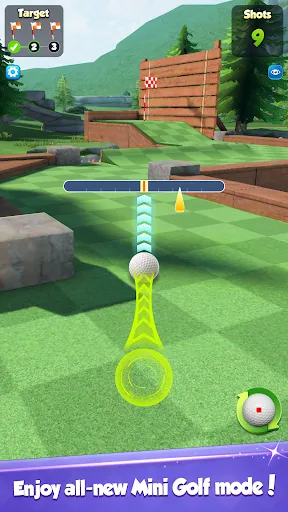
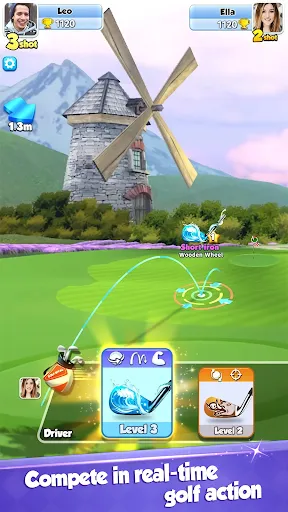
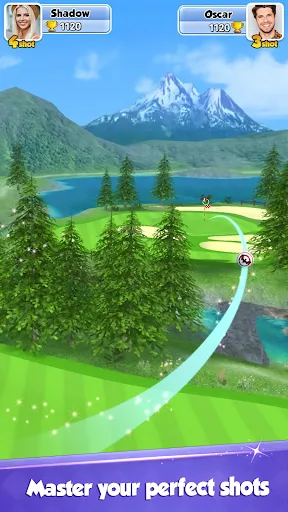
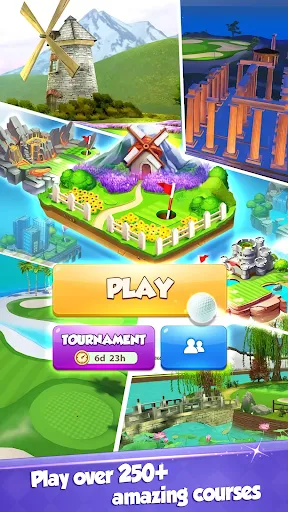
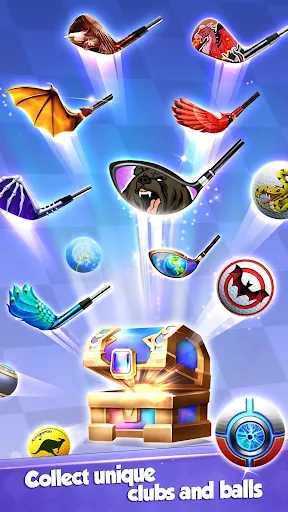
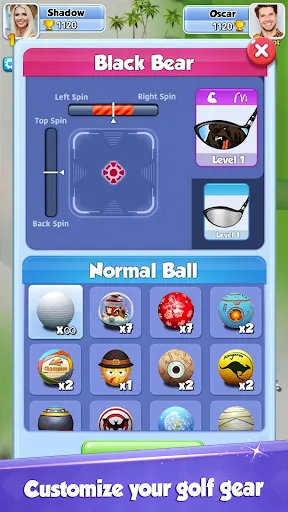
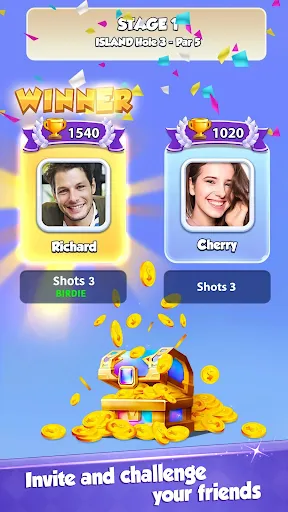
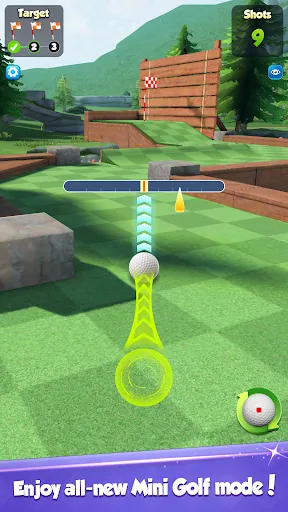
 Experience real-time multiplayer competition with players worldwide for thrilling matches. Enjoy stunning graphics and immersive courses that enhance your gaming experience. Customize your golfer and clubs to match your unique style and strategy. Participate in regular events and challenges for exciting rewards and rankings. Engage in friendly rivalry with friends or join global tournaments for ultimate fun.
 Limited customization options for players' golf clubs and characters detracts from personalization. Frequent connectivity issues can disrupt gameplay and frustrate users. The in-game purchases can create a pay-to-win environment, disadvantaging free players.
  Google Play
  App Store
 Yes, Golf Rival may collect personal data to enhance user experience and for account management. Users should review the privacy policy for detailed information on data collection practices.
Yes, Golf Rival offers a free version that allows players to start playing without any initial costs, though it may include in-game purchases.
Yes, Golf Rival requires a stable internet connection to play multiplayer matches and access online features.
You can contact support or send feedback through the in-game support feature or by visiting the official website, where you can find additional contact options and resources.
You can manage or cancel your subscription through the app store settings on your device, where you can find your active subscriptions and make changes as needed.
Unfortunately, Customer Numbers cannot be changed. If you have concerns, please reach out to Customer Service for further assistance.
Yes, you can log in using your Facebook account. Just select the Facebook option on the login screen. Ensure your Facebook app is up to date.
You can reach our Customer Service through the in-game support feature or by emailing support
To activate your account, click the link in the activation email you received after registration. If you need help, contact Customer Service.
To log in, open the game and enter your email or linked social media account credentials. If you encounter issues, try resetting your password.