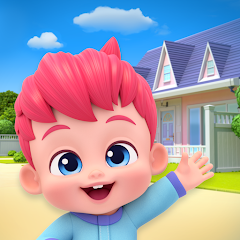


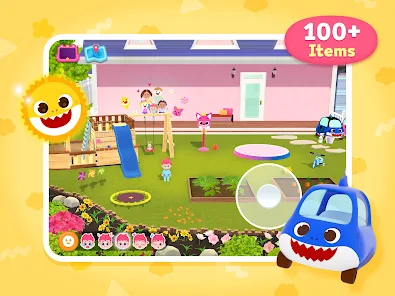
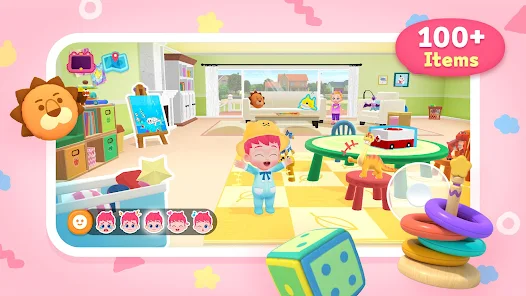
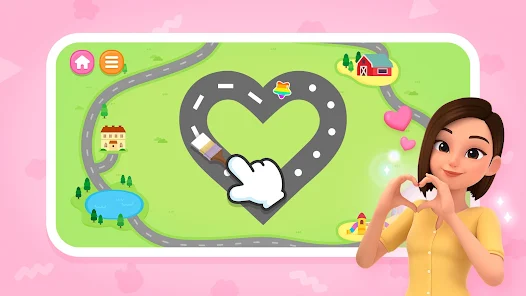
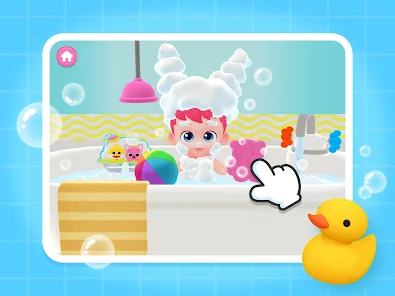
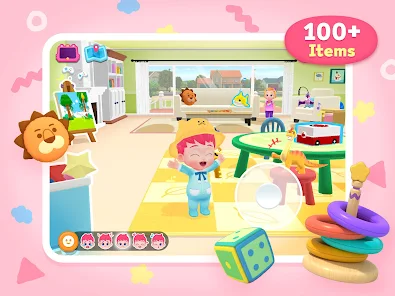
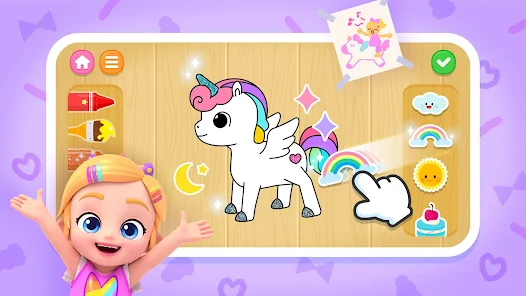
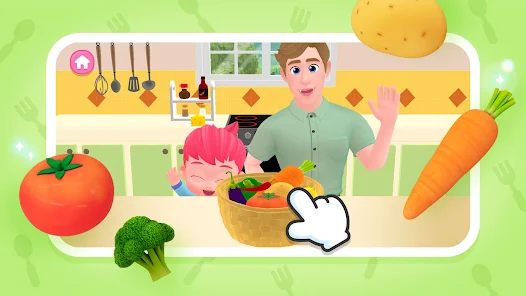
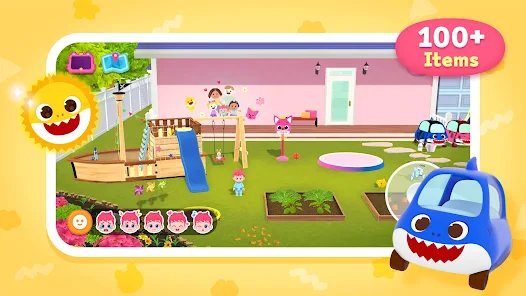
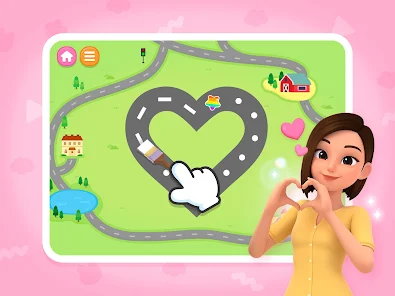
"Bebefinn Town: Kids House Game" is an engaging and interactive app designed for children, offering a variety of features that promote creativity and imaginative play. One of the standout features is the customizable virtual environment, where kids can design their own houses, decorate rooms, and choose furniture. This encourages them to express their personal style and creativity.
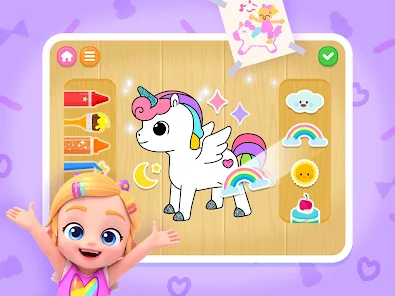
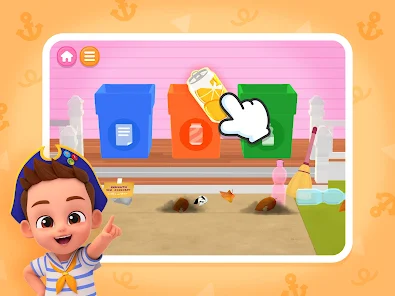
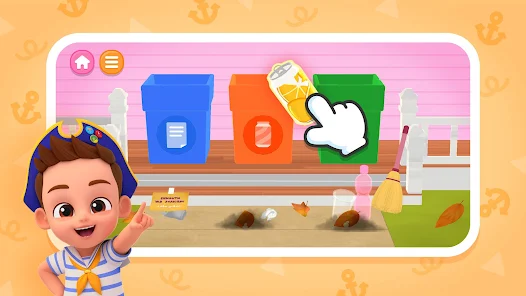
Another notable feature is the diverse range of characters available for play. Children can select from various avatars, each with unique outfits and accessories, allowing them to create stories and scenarios. The game also includes mini-games and activities that enhance problem-solving skills and cognitive development. These activities are not only fun but also educational, making learning enjoyable.
Additionally, "Bebefinn Town" promotes social interaction through multiplayer options, enabling kids to connect with friends and share their creations. The app is designed with vibrant graphics and user-friendly navigation, ensuring that even the youngest players can easily explore and enjoy the game. Overall, the combination of creativity, education, and social interaction makes "Bebefinn Town: Kids House Game" a delightful experience for children.
Using "Bebefinn Town: Kids House Game" is straightforward and user-friendly, making it accessible for children of various ages. To get started, users need to download the app from their device's app store and create an account or log in. Once inside the game, players are greeted with a colorful interface that invites them to explore different areas of the town.
The first step is to choose a character and customize it according to personal preferences. Players can then navigate through various locations, such as homes, parks, and shops, where they can engage in different activities. To build and decorate their houses, children can access a wide range of furniture and decor items, allowing them to create a unique living space.
As they play, kids can participate in mini-games that challenge their skills and provide rewards. The multiplayer feature allows them to invite friends to join in the fun, fostering social interaction. Overall, the intuitive design and engaging gameplay make it easy for children to immerse themselves in the world of "Bebefinn Town," encouraging creativity and collaboration.
"Bebefinn Town: Kids House Game" comes with several advantages that make it appealing to both children and parents. One of the primary pros is its ability to foster creativity, as kids can design their own homes and characters, encouraging imaginative play. The educational mini-games also provide a fun way to develop cognitive skills, making the app both entertaining and beneficial for learning.
Another advantage is the social aspect of the game, allowing children to connect with friends and share their creations, which can enhance their social skills. The vibrant graphics and user-friendly interface make it easy for young players to navigate and enjoy the game without frustration.

 Explore vibrant play areas! Engage in fun mini-games! Encourage creativity and fun! Safe environment for kids! Learn through interactive play!
 Limited educational value Repetitive gameplay experience In-app purchases can add up Graphics may seem outdated
  Google Play
  App Store
 Bebefinn Town includes safety features such as age-appropriate content filtering and parental controls that allow parents to manage their child's app usage. Additionally, the app is designed to create a safe environment for children to play and explore without exposure to inappropriate content.
Yes, Bebefinn Town may offer in-app purchases for additional content, features, or upgrades. Parents can disable in-app purchases through their device settings to prevent unintended charges. Always check the app store description for the latest information on pricing and features.
Yes, Bebefinn Town allows players to customize their characters with various outfits, accessories, and hairstyles. This feature enhances the gaming experience, enabling children to express their individuality and creativity while playing.
Yes, multiple users can play Bebefinn Town on the same device. The app allows for different profiles, enabling each child to have their own personalized experience and save their progress separately. This feature helps maintain individual gameplay without overwriting each other's achievements.
If you experience any issues or wish to provide feedback about Bebefinn Town, you can usually do so through the app's settings or help section. Additionally, you may contact the app's support team via their official website or the app store page for assistance. Your feedback is valuable for improving the app.
Yes, you may need to activate your account via a confirmation email sent during registration. Check your inbox.
You can contact Customer Service through the app's support section or via the official website's contact form.
Use the "Forgot Password?" link on the login page to receive a reset link via email.
Open the app, go to the settings menu, and select the options you wish to change.
To log in, open the app and enter your registered email and password on the login screen.