

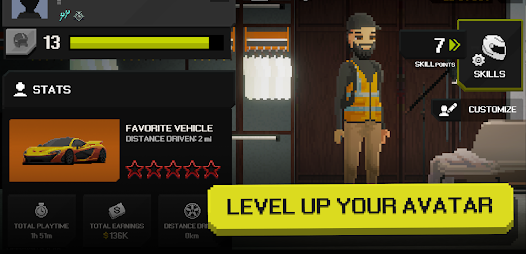
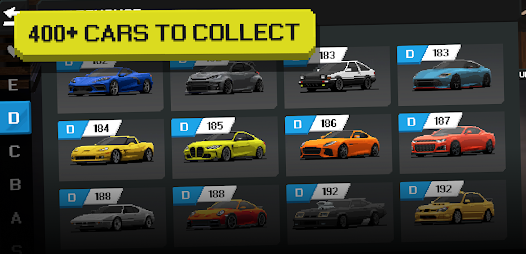
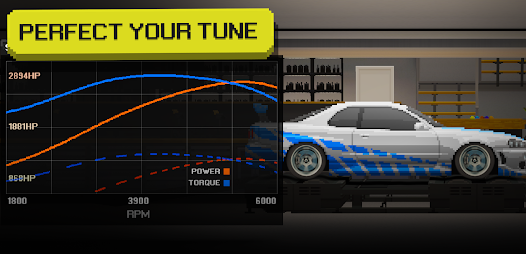




"APEX Racer - Pixel Cars" is an engaging racing game that combines retro pixel art with fast-paced gameplay. One of its standout features is the extensive customization options available for vehicles. Players can modify their cars with various parts, colors, and decals, allowing for a personalized racing experience. The game also offers a variety of tracks set in different environments, from city streets to off-road terrains, each presenting unique challenges and obstacles.
Another notable feature is the multiplayer mode, where players can compete against friends or other racers online. This adds a competitive edge to the game, enhancing the overall experience. Additionally, "APEX Racer" includes a progression system that rewards players with upgrades and new vehicles as they complete races and challenges. The intuitive controls make it accessible for players of all skill levels, ensuring that both casual gamers and racing enthusiasts can enjoy the thrill of the race.
To get started with "APEX Racer - Pixel Cars," first, download the game from your preferred app store and install it on your device. Once launched, you will be greeted with a user-friendly interface that guides you through the initial setup. Begin by selecting your vehicle from the available options, and customize it to your liking using the in-game tools. You can adjust the car's performance by upgrading parts and changing its appearance.
After customizing your car, choose a race track to compete on. The game offers various modes, including single-player and multiplayer options. In single-player mode, you can practice your skills and familiarize yourself with the controls. For multiplayer, connect with friends or join online races to test your abilities against other players. As you race, collect coins and rewards to unlock further upgrades and new vehicles, enhancing your gaming experience. Remember to practice regularly to improve your racing skills and climb the leaderboards!
Like any app, "APEX Racer - Pixel Cars" has its advantages and disadvantages. One of the primary pros is its charming pixel art style, which appeals to fans of retro gaming. The extensive customization options allow players to create unique vehicles, enhancing personal engagement with the game. Additionally, the multiplayer feature fosters a competitive environment, making it more enjoyable to race against friends and other players. The controls are intuitive, making it accessible for players of all ages and skill levels.
On the downside, some users may find the graphics simplistic compared to modern racing games, which could deter those seeking high-end visuals. Additionally, while the game offers a variety of tracks, some players may feel that the content becomes repetitive over time. The progression system, while rewarding, may also require significant time investment to unlock all features, which could be frustrating for casual gamers. Overall, "APEX Racer - Pixel Cars" provides a fun and engaging experience, but it may not satisfy everyone’s expectations.

 Unleash your racing skills! Enjoy stunning pixel art! Compete with friends online! Customize cars for unique looks! Unlock thrilling new tracks! Engaging gameplay for all ages!
 Limited customization options Basic graphics and design Repetitive gameplay mechanics Frequent ads disrupt play
  Google Play
  App Store
 Using cheats or hacks is not recommended as it can disrupt the game's balance and fairness. Developers often update the game to prevent cheating and maintain a fun environment for all players.
Players can unlock new cars by completing races, achieving high scores, or through in-game purchases. Each car has unique attributes that can affect performance on the track.
Players can customize their cars by accessing the garage feature, where they can change paint colors, add decals, upgrade parts like engines and tires, and adjust the car's performance characteristics to suit their racing style.
Players can earn in-game currency by winning races, completing challenges, and participating in events. This currency can be used to purchase upgrades, new cars, and customization options.
APEX Racer is free to download and play, but it may include in-app purchases for additional content, cars, or upgrades. Players can enjoy the core gameplay without spending money.
You can reach customer service through the app's support section or by emailing support
The customer number is typically found in your account settings within the app.
Open the app and select the login option, then enter your registered email and password.
Generally, no activation is needed; just download the app and log in. If prompted, follow the on-screen instructions.