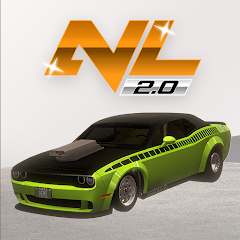


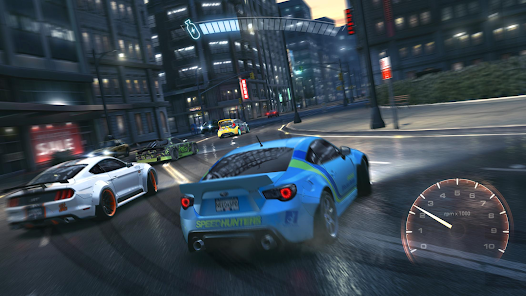
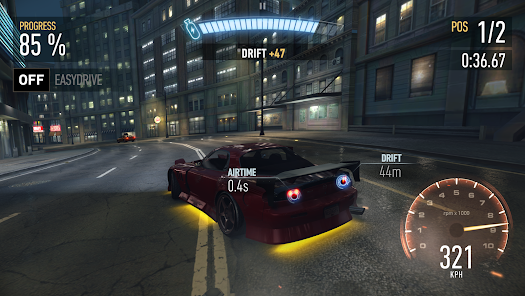
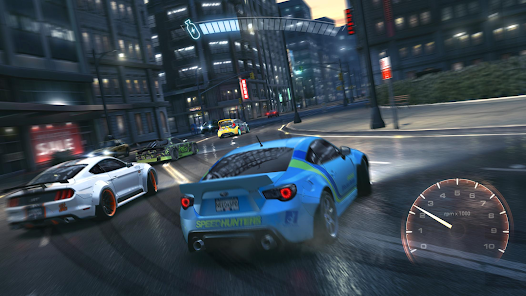
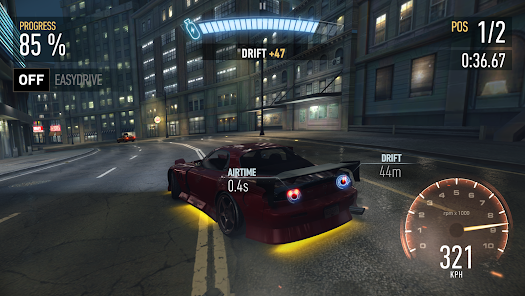
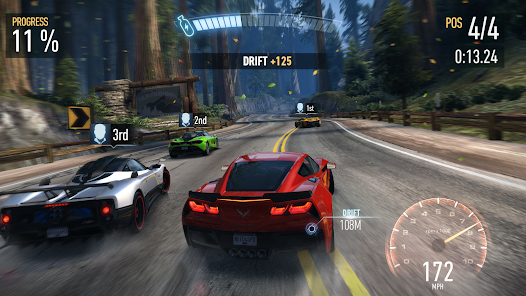
In a world where we are constantly inundated with choices, it can be hard to know which apps are worth our time and which ones will just end up taking up space on our phones. But when it comes to games, there is one app that always seems to rise to the top: Need for Speed™ No Limits. This app has been downloaded over 50 million times and has a rating of 4.6 on the App Store. So what is it about this game that has so many people hooked? Let's take a look. .
Claim the crown and rule the underground as you race for dominance in the first white-knuckle edition of Need for Speed made just for mobile – from the game developer that brought you Real Racing 3.
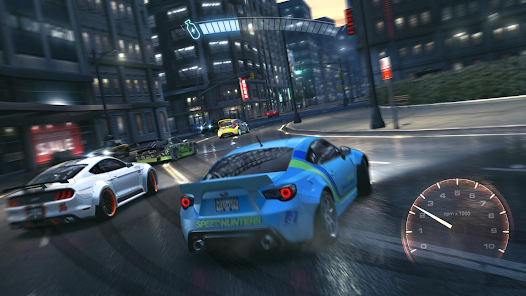
Build the ride that shows your style with a range of cars and customizations. Launch yourself between chaos and control as you hit the pedal and roll into underground street racing. Takedown the competition, up your rep, then kick into more races, more customizations, and more cars. Make your choices and never look back.
This app offers in app purchases. You may disable in app purchases using your device settings.
CUSTOMIZE EXTREME RIDES
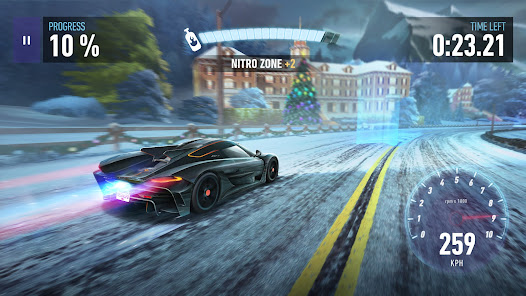
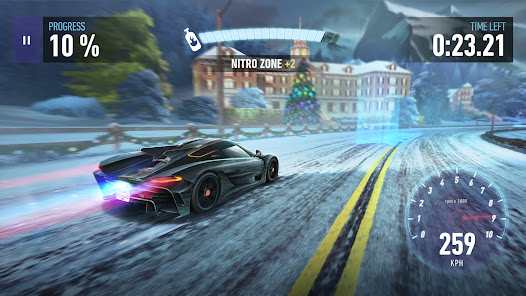
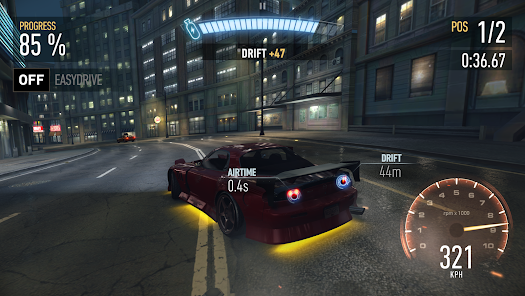
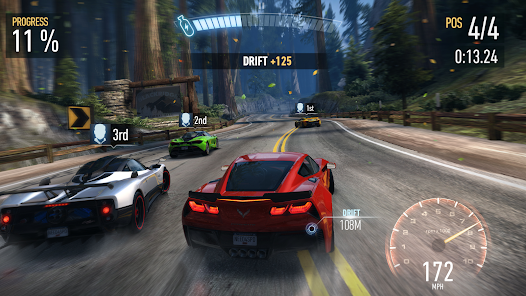
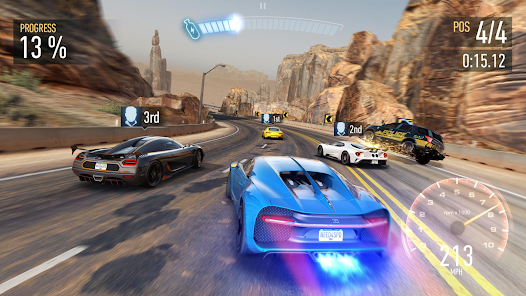
Stock your garage with the real-world cars you have always wanted, from manufacturers such as Bugatti, Lamborghini, McLaren, Pagani, Koenigsegg, Hennessey, and more. Then trick them out with the our in-game customization system from spots like the Mod Shop and the Black Market, giving you over 2.5 million custom combos to play with. Your rides are waiting – take them to the streets to go head-to-head with the competition and prove yourself.
DRIVE FAST – AND FEARLESS
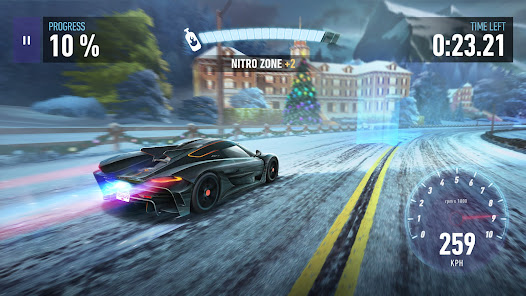
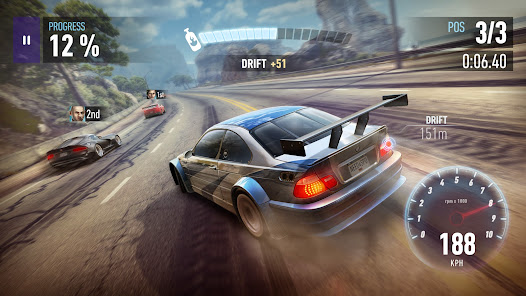
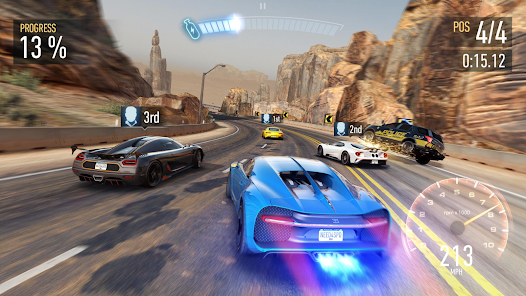
Steer onto the streets of Blackridge, accelerate over jumps and around debris, into traffic, against walls, and through high-speed Nitro Zones. Flip on the nitrous and thrust yourself into another level of adrenaline-fueled driving and drifting. Around every corner is a fresh race as you clash with local crews and local cops. It’s a world full of wannabe drivers – can you stay in front and earn respect?
RACE TO WIN
Never back down as you race anyone crazy enough to take you on and increase your rep. Dig, drift, drag, and roll your ride to the finish line while outrunning the police on your tail. Burn rubber in over 1,000 challenging races – and that’s just the starting line. Be notorious, own the streets, and score the world’s best cars. Because one ride is never enough!
---------------------
User Agreement: terms.ea.com
Visit https://help.ea.com/ for assistance or inquiries.
EA may retire online features and services after 30 days’ notice posted on www.ea.com/1/service-updates
Important Consumer Information:
This app: requires a persistent Internet connection (network fees may apply); Requires acceptance of EA’s Privacy & Cookie Policy and User Agreement. includes in-game advertising; collects data through third party analytics technology (see Privacy & Cookie Policy for details); contains direct links to the Internet and social networking sites intended for an audience over 13.

 Experience thrilling street racing with stunning graphics and dynamic environments. Customize your cars extensively to match your unique style and performance needs. Engage in intense multiplayer races to challenge friends and players worldwide. Enjoy regular updates with new content, keeping the gameplay fresh and exciting. Immerse yourself in an engaging storyline that enhances your racing experience.
 Limited car customization options restrict player creativity. Gameplay can feel repetitive over time, diminishing excitement. In-app purchases can create pay-to-win disadvantages for some players.
  Google Play
  App Store
 Yes, Need for Speed™ No Limits may collect personal data as per its privacy policy, which typically includes information needed for account creation, gameplay, and customer support.
Need for Speed™ No Limits is free to download and play, but it offers in-app purchases for additional content and features.
Yes, Need for Speed™ No Limits requires an internet connection to play, as it features online multiplayer and updates content regularly.
You can contact support or send feedback through the in-game support feature or by visiting the game's official website, where you can find additional resources and contact information.
Since Need for Speed™ No Limits does not have a standard subscription model, players can manage in-app purchases through their device's app store settings, allowing them to control spending and subscriptions related to their accounts.
No, you must use the email associated with your account to activate it. If you're having trouble, contact customer service for help.
Unfortunately, customer numbers cannot be changed. If you need help, please contact customer service for further assistance.
You can reach customer service through the in-game support feature or visit our website for additional contact options.
To activate your account, follow the verification email sent to you upon registration. If you didn’t receive it, check your spam folder or contact customer service.
If you can’t log in, use the "Forgot Password" option. If that doesn't work, contact customer service for assistance in recovering your account.