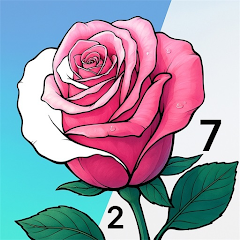


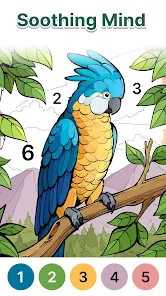
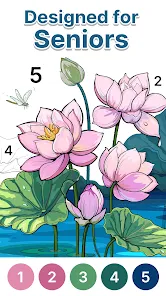
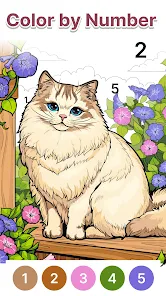
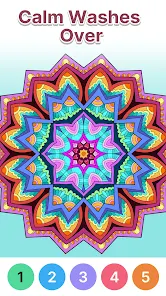
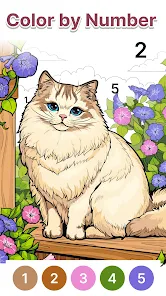
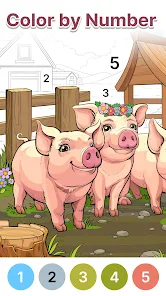


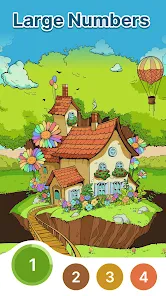
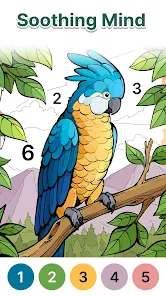
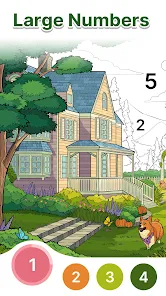
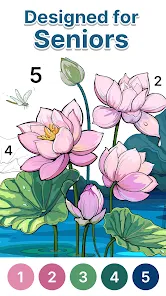
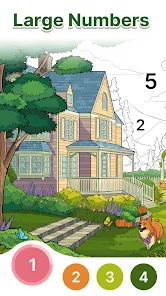
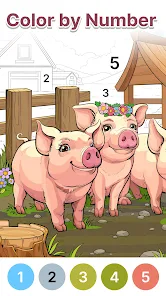
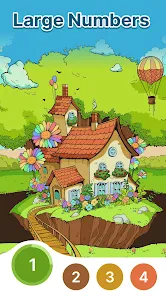
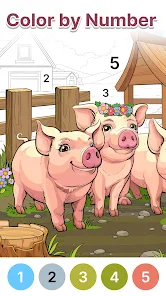
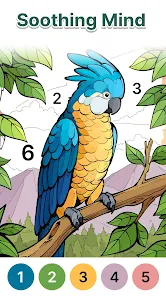
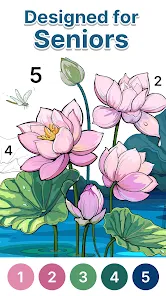

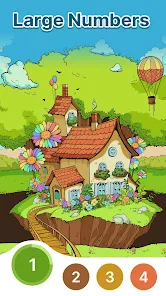
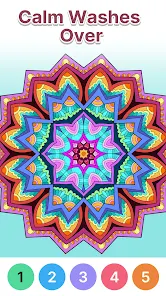
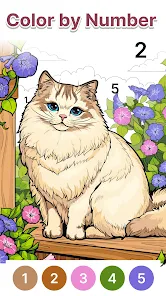
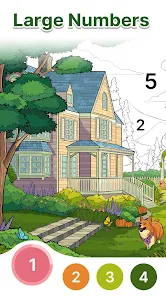
"Anima Color - Paint by Number" is a captivating coloring app that offers a variety of features designed to enhance the user experience. One of its standout features is the extensive library of images, which includes a wide range of categories such as animals, landscapes, and abstract art. This diversity allows users to choose images that resonate with their personal interests and artistic preferences.
Another notable feature is the intuitive interface that makes it easy for users of all ages to navigate the app. The paint-by-number system simplifies the coloring process, as each section of the image is marked with a number corresponding to a specific color. Additionally, the app provides a zoom function, enabling users to focus on intricate details for a more precise coloring experience. Users can also share their completed artworks on social media platforms, fostering a sense of community and encouraging creativity among friends and family.
Furthermore, "Anima Color" frequently updates its content, introducing new images and themes to keep users engaged. The app also offers a relaxing soundtrack, enhancing the overall experience and making it a perfect tool for stress relief and mindfulness. Overall, the combination of a user-friendly interface, diverse image selection, and community features makes "Anima Color - Paint by Number" a delightful choice for coloring enthusiasts.
Using "Anima Color - Paint by Number" is a straightforward and enjoyable process that anyone can master. To get started, users need to download the app from their respective app store and create an account or log in. Once inside, they can browse through the extensive library of images and select one that catches their eye. Each image is divided into numbered sections, each corresponding to a specific color.
After selecting an image, users can tap on the numbered sections to fill them with the appropriate colors. The app provides a palette of colors that users can choose from, making it easy to stay within the lines. For those who prefer a more detailed approach, the zoom feature allows for closer inspection of intricate areas, ensuring that every detail is colored accurately. Users can also save their progress and return to their artwork later, making it convenient for those with busy schedules.
Once the artwork is completed, users have the option to share their creations on social media or within the app's community. This sharing feature not only allows for showcasing their work but also encourages interaction with other users. Overall, "Anima Color - Paint by Number" provides a simple yet engaging way to explore creativity and unwind through the art of coloring.
Like any app, "Anima Color - Paint by Number" comes with its own set of advantages and disadvantages. One of the primary pros is its user-friendly interface, which makes it accessible for users of all ages. The extensive library of images ensures that there is something for everyone, catering to various tastes and preferences. Additionally, the paint-by-number system simplifies the coloring process, making it easy for beginners to create beautiful artwork without prior experience.
Another significant advantage is the app's community aspect, allowing users to share their creations and connect with others who share similar interests. The regular updates with new images keep the content fresh and engaging, encouraging users to return frequently. Furthermore, the app can serve as a relaxing activity, promoting mindfulness and stress relief.
On the downside, some users may find the app's reliance on a paint-by-number system limiting, as it may not appeal to those who prefer freehand coloring. Additionally, while the app is free to download, some features may require in-app purchases, which could deter users looking for a completely free experience. Lastly, occasional technical glitches or slow loading times may affect the overall user experience. Balancing these pros and cons can help users determine if "Anima Color - Paint by Number" is the right fit for their coloring needs.

 Anima Color offers relaxation Explore a vast art collection Easy-to-use paint by number Perfect for all skill levels Share your artwork with friends
 Limited color palette choices Ads can disrupt user flow In-app purchases can add up Complex designs may frustrate
  Google Play
  App Store
 Anima Color is designed to be family-friendly and can be enjoyed by users of all ages. However, parental guidance is recommended for younger children to ensure they navigate the app safely and responsibly.
Yes, Anima Color allows users to save their progress while painting. If you need to take a break or switch to another project, your work will be saved, and you can return to it anytime without losing your progress.
Currently, Anima Color focuses on providing a curated selection of images within the app. Users cannot upload their own images for painting, but the app offers a wide variety of artwork to choose from, ensuring there's something for everyone.
To get started with Anima Color, simply download the app from your device's app store, create an account or log in, and select an image you’d like to paint. Follow the numbered sections and use the color palette to fill in the areas as indicated. It's user-friendly and designed for all ages!
The developers of Anima Color regularly update the app with new images and content to keep the painting experience fresh and exciting. Users can look forward to new themes and seasonal artwork being added frequently!
You can reach customer service by emailing support
If activation is required, follow the prompt during the initial setup or check your email for an activation link.
Open the app, tap on the login button, and enter your registered email and password.
The customer number varies by user; please check your account settings or contact support for assistance.