

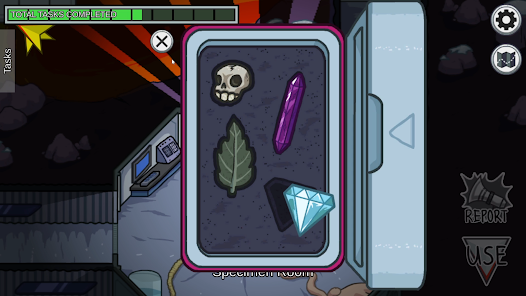
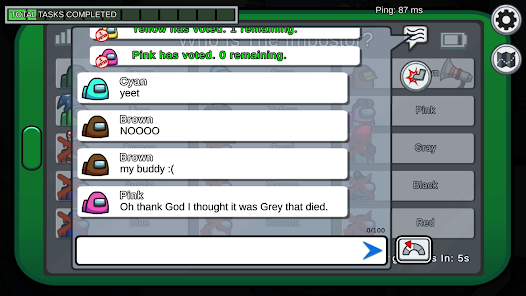
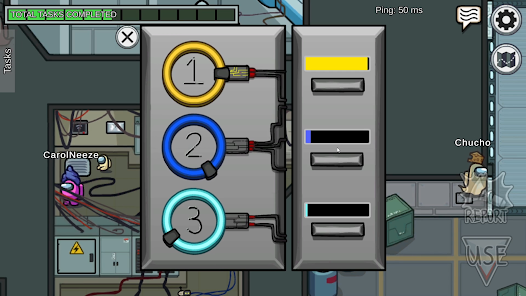
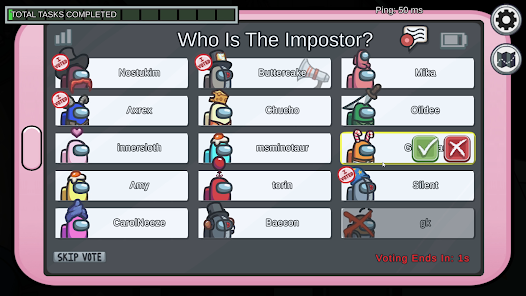
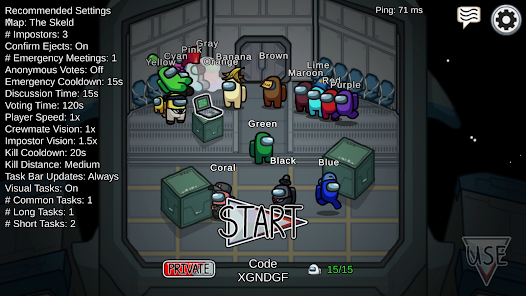
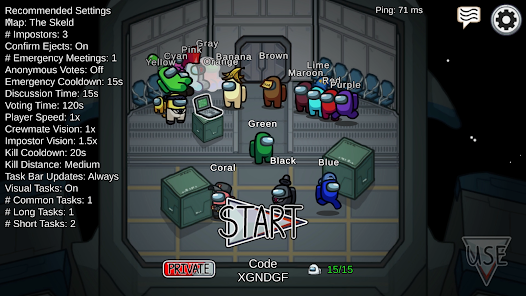
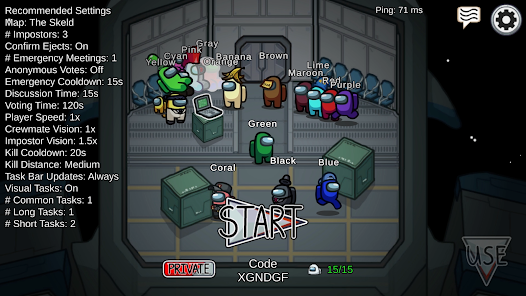
Among Us Mobile Game is so popular because it offers a unique, easy-to-use experience that appeals to a wide range of gamers. Whether you're new to the gaming world or an experienced player, Among Us is sure to keep you entertained for hours on end. Plus, the developers are constantly updating the game with new content and features, which means that there's always something new to explore. If you're looking for an enjoyable mobile game to spend some time playing, Among Us should definitely be at the top of your list!
Features of Among Us App
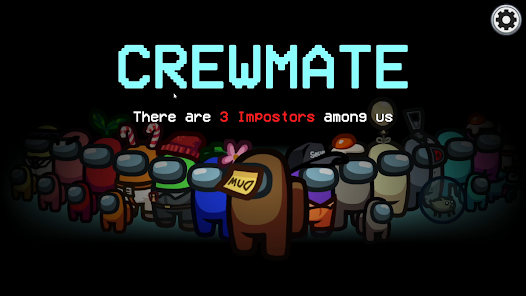
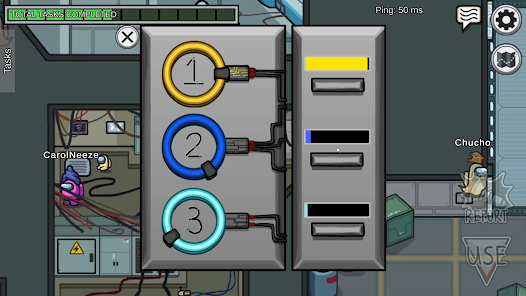
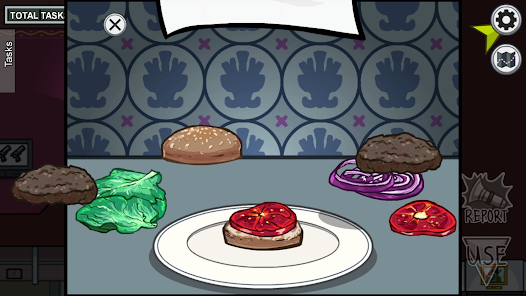
Among Us is a multiplayer social deduction game that offers a variety of engaging features that enhance gameplay. One of its primary features is the ability to play with 4 to 10 players, allowing for different group dynamics. Players can choose to be Crewmates or Impostors, creating an exciting balance of cooperation and betrayal. The game also includes various maps, each with unique tasks and layouts, which keeps the gameplay fresh and interesting.
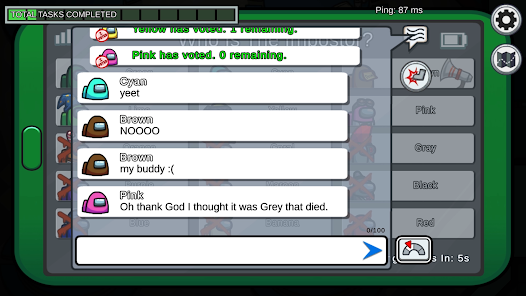
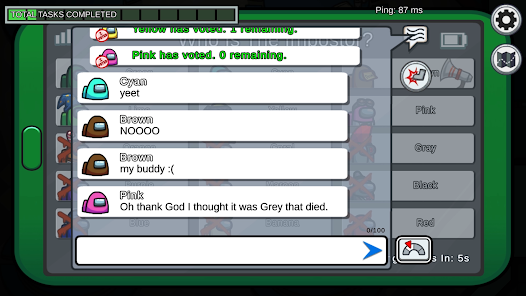
Another standout feature is the customizable character options. Players can alter their appearance with different colors, hats, and skins, adding a personal touch to the game. Additionally, Among Us supports cross-platform play, enabling users on mobile devices and PCs to play together seamlessly. The chat function allows players to discuss strategies and suspicions, fostering interaction and communication. Finally, the game includes multiple modes, such as public and private lobbies, which cater to different preferences and social settings.
How to Use Among Us App
Using the Among Us app is straightforward, making it accessible for players of all ages. First, download and install the app from your device’s app store, whether it’s iOS, Android, or PC. Once installed, open the game and choose between playing online or offline. If you opt for online play, you can join a public game or create a private room by generating a unique code to share with friends.
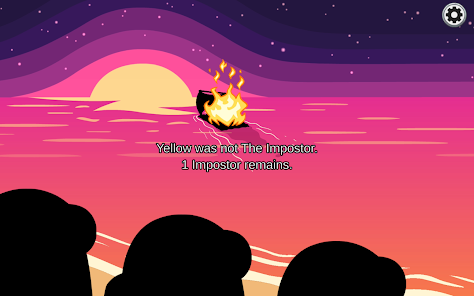
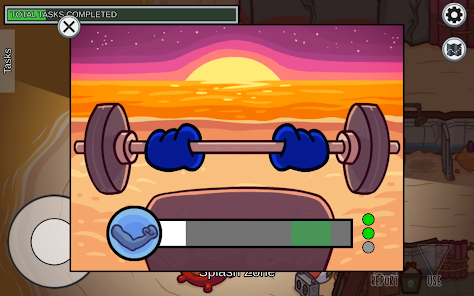
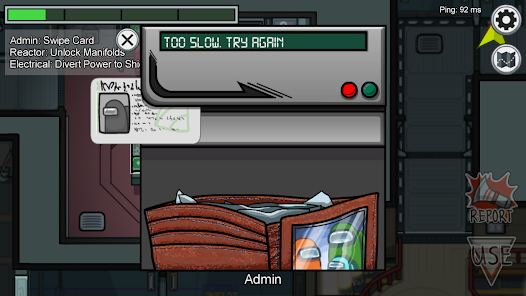
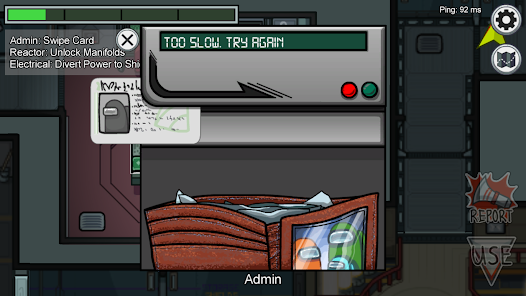
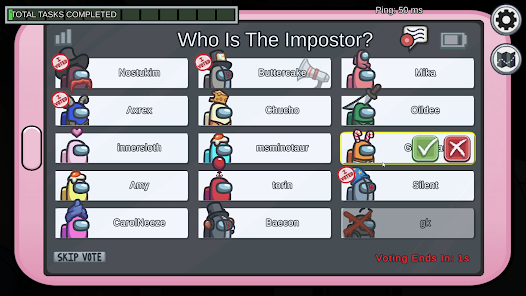
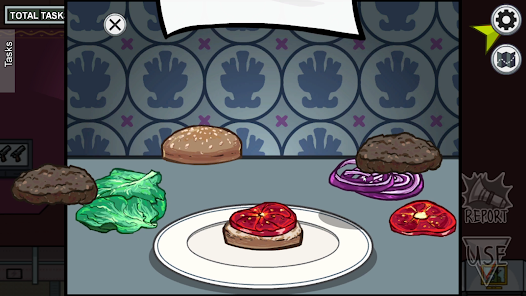
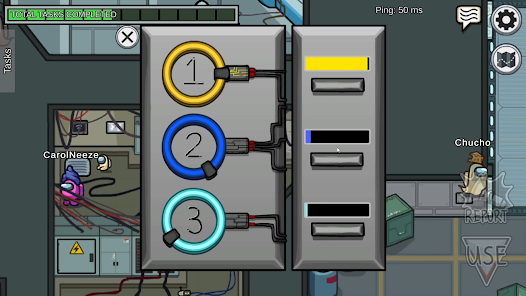
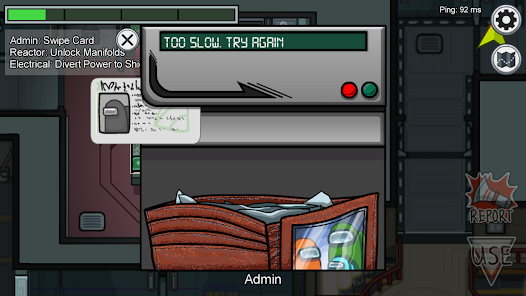
After entering a game, you can select your character and customize its appearance. Once the game begins, Crewmates must complete tasks while trying to identify the Impostor. Communication is key, so utilize the in-game chat during discussions to share suspicions and gather information. After the discussion phase, players vote to eject someone suspected of being the Impostor. The game continues until either all tasks are completed or the Impostor is eliminated. Enjoy the thrilling experience of deception and teamwork!
Pros & Cons of Among Us App
Among Us has gained immense popularity, but like any game, it comes with its pros and cons. One significant advantage is its social interaction; it encourages communication and teamwork, making it a great choice for friends and family gatherings. The game’s simple mechanics and colorful graphics make it appealing to a wide range of players, from casual gamers to those looking for strategic gameplay. Cross-platform functionality also allows players to connect regardless of their device, broadening the player base.
However, Among Us is not without its drawbacks. One of the main concerns is the potential for toxic behavior, as anonymity can lead to harassment and bullying in chat rooms. Additionally, the game may become repetitive over time, especially for those who play frequently. The reliance on internet connectivity can also be a downside for players with unstable connections. Overall, while Among Us provides a fun and engaging experience, players should be mindful of its limitations.

 Engaging social interaction fosters teamwork and communication skills Simple mechanics make it easy for anyone to play Supports cross-platform play for broader accessibility Customizable settings enhance personal gaming experiences Regular updates keep content fresh and exciting
 Repetitive gameplay can lead to boredom over time Limited content and maps restrict player engagement Toxic behavior may deter new players Communication issues can disrupt gameplay experience
 Among Us may collect some personal data, such as your username and device information, but it is committed to user privacy and provides a privacy policy detailing how data is handled.
Yes, Among Us is free to download and play on mobile devices, while the PC and console versions require a one-time purchase. The mobile version includes optional in-game purchases.
Yes, Among Us requires an internet connection to play online multiplayer games, but it also offers a local play option that allows you to connect with others on the same Wi-Fi network.
You can contact Among Us support by visiting their official website or through the help section in the app, where you can submit a ticket or feedback regarding your experience.
If you have made in-game purchases or subscriptions through a platform (like iOS or Android), you can manage or cancel them through your device’s app store settings.
You can contact customer service through the official Innersloth website or via the app's support section. Look for the "Support" link for assistance.
There is no activation process required for Among Us. Simply download the app and start playing.
Open the app, select "Online," and then choose "Login" to enter your credentials if you have an account.
Among Us does not have a specific customer number; support is primarily handled through online channels. Visit their website for help.










 Google Play
  App Store