

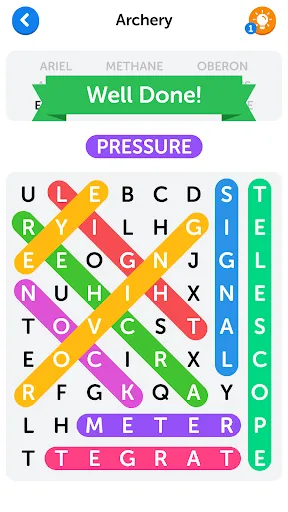
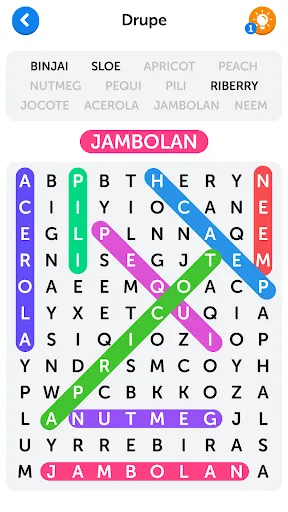
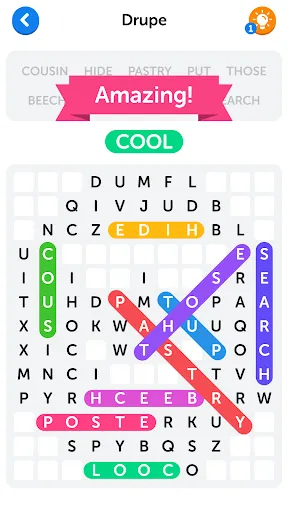
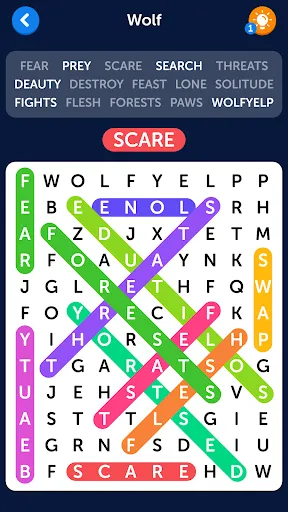
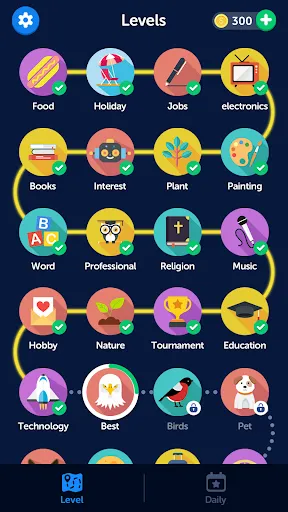
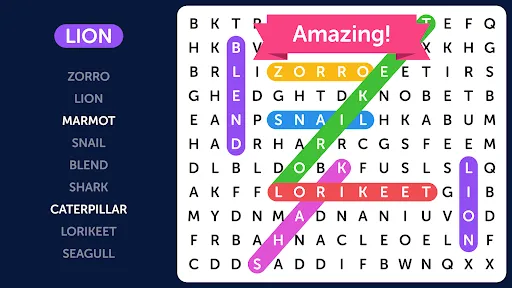
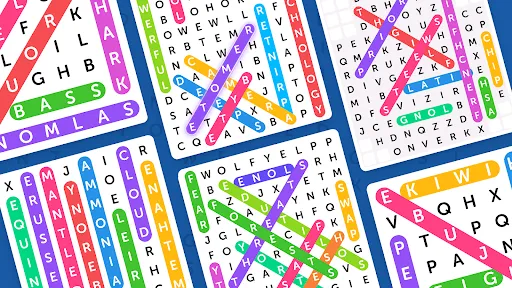
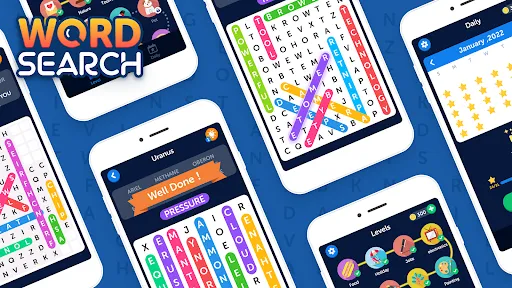
Word Search puzzles are engaging and enjoyable games that challenge players to find specific words hidden within a grid of letters. One of the primary features of a Word Search is its grid layout, where letters are arranged in various directions—horizontally, vertically, and diagonally. This adds complexity to the search, requiring players to be attentive and strategic in their approach. Another notable feature is the theme or category of words included in the puzzle. Word Searches can focus on a variety of topics, such as animals, geography, or pop culture, making them adaptable for different age groups and interests. Additionally, many Word Search puzzles offer varying levels of difficulty, ranging from easy grids with fewer words to challenging ones with a larger array of words hidden closely together. Furthermore, modern Word Search games often come with digital features, including timers, scoring systems, and hints, enhancing the playing experience. They can be found in printed formats, books, and online applications, allowing players to enjoy them in various settings. Overall, the combination of these features makes Word Search a versatile and appealing pastime, fostering both relaxation and cognitive engagement. Using a Word Search puzzle is a straightforward process that can be both fun and mentally stimulating. To begin, you need to obtain a Word Search puzzle, which can be found in puzzle books, newspapers, or online platforms. Once you have your puzzle, take a moment to review the list of words you need to find, usually located beside or below the grid. This list will guide your search and provide a clear objective. Next, scan the grid of letters systematically. You can choose to start from the top left corner and work your way through to the bottom right, or you may prefer to look for specific words from the list first. As you identify each word, circle or highlight it in the grid, ensuring you mark the direction in which it appears—whether it's horizontal, vertical, or diagonal. It's advisable to keep a steady pace, as rushing may lead to overlooking words. If you get stuck, take a short break or switch focus to another word on the list to keep your mind engaged. Completing a Word Search can be immensely satisfying, and with practice, your speed and efficiency in finding words will improve. Enjoy the process of searching, and don’t hesitate to challenge yourself with more complex puzzles as you become more skilled! Word Search puzzles come with their own set of advantages and disadvantages that can influence a player's experience. One of the primary pros of Word Searches is their accessibility; they can be enjoyed by individuals of all ages, making them a great activity for families or groups. They also promote cognitive skills such as pattern recognition, vocabulary enhancement, and attention to detail, providing mental stimulation in a fun way. Furthermore, Word Searches can be completed in a relatively short time, making them ideal for quick entertainment during breaks or while traveling. On the flip side, one of the cons is that some people may find Word Searches too simplistic or repetitive, particularly if they are seasoned puzzle solvers seeking more challenging experiences. Additionally, the experience can become frustrating for players who struggle to locate words, potentially leading to disengagement. Sometimes, the grid can be crowded, making it challenging to spot words quickly, which can detract from the enjoyment. In summary, while Word Search puzzles offer numerous benefits, including accessibility and cognitive engagement, they may not cater to everyone's preferences. It's essential for players to consider these pros and cons when determining if Word Searches fit their puzzle-solving style.Features of Word Search
How to Use Word Search?
Pros & Cons of Word Search

 Enhances vocabulary and spelling skills through engaging word identification. Improves focus and concentration by challenging the brain in a fun way. Promotes cognitive development and problem-solving abilities with each puzzle. Offers a relaxing activity that reduces stress and encourages mindfulness. Provides entertainment for all ages, making it a versatile pastime.
 Limited cognitive engagement can lead to boredom over time. Can become repetitive, reducing overall enjoyment and challenge. Lacks educational depth compared to other puzzle formats, hindering learning opportunities.
  Google Play
  App Store
 Yes, users can submit suggestions or feedback through the app's support section or contact options, helping to improve the overall experience.
Word Search may collect certain personal data as outlined in its privacy policy, but it is designed to prioritize user privacy and security.
Yes, Word Search allows users to play offline, so you can enjoy the game without an internet connection.
You can cancel your Word Search subscription through the app store settings on your device or by following the cancellation instructions provided within the app.
The subscription cost for Word Search may vary based on the plan selected, with options typically available for monthly or yearly subscriptions.
Customer numbers are typically permanent, but you can contact customer service for any updates or changes needed.
You can verify your customer number by logging into your account and viewing your profile, or by asking customer service to confirm it.
To activate your account, check your email for an activation link and follow the instructions provided. If you didn’t receive it, contact customer service for further assistance.
You can reach customer service via the support section on our website or by calling the customer service number provided in your account settings.
Click on the “Forgot Password?” link on the login page to reset your password. Follow the instructions sent to your email.