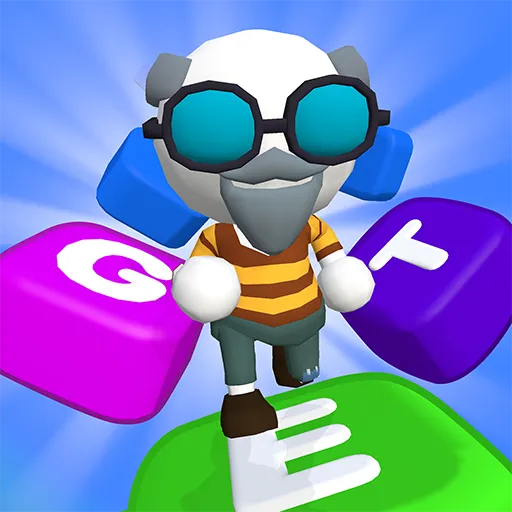


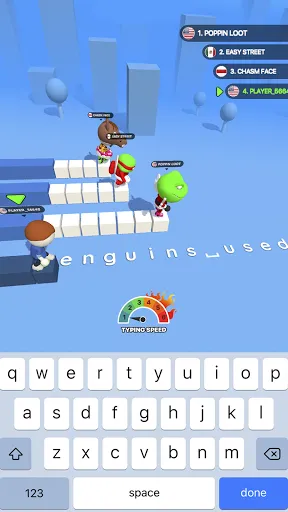
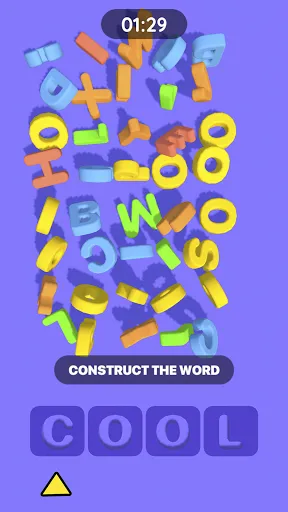
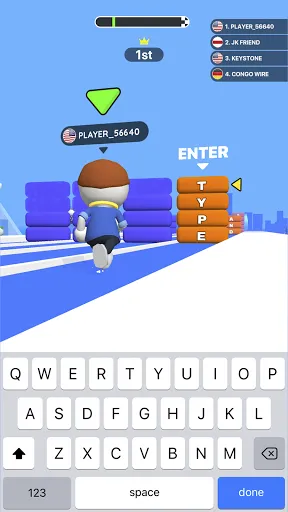
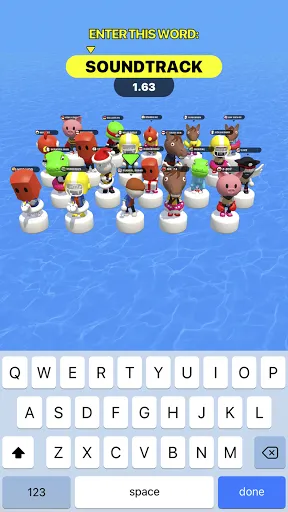
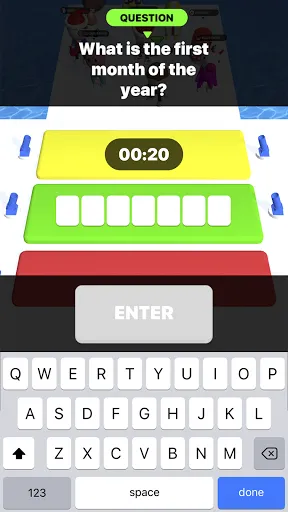
Ready to challenge your brain and typing speed? Type Sprint is one of the most exciting type battles! Join this breathtaking typing race against quick sneaky opponents, go level by level to complete various missions, and become the best type runner. From simple typing games to tricky word trivia — this texting game has plenty of brain-busting and typing practice!
Type Sprint is packed with match 3 games, word problems, hidden objects, and different riddles that will test your memory, typing speed, and strategic thinking.
BEST FEATURES:
5-in-1 type run with levels, fun missions, and rewards. This is one of the best running games you’ll never get tired of!
Dynamic and educational typing race. You don’t simply run and type but also improve your texting skills.
As simple as abc: fun gameplay, easy navigation, and nice design. The type run you'll definitely love!
Crowds of sneaky opponents: from easy-to-defeat losers to smart and skillful type runners. Leave them all behind!
Endless fun type and brain-pushing games. Not just play—think!
Great time filler and excellent typing practice. Texting games have never been so addictive!
Have fun running, typing like a pro, and beating every level in one of the most popular typing games. Become the master of fast typing and enjoy this running game for free, and we’ll be keeping a keen eye on your feedback to make it the best texting game ever. We can’t wait for your review to hear what you think!

 Type Sprint enhances typing speed through engaging gameplay. Improve accuracy with fun, interactive challenges. Track progress and celebrate personal achievements over time. Compete with friends for added motivation and excitement. Customizable difficulty levels cater to all skill sets.
 Limited content variety may lead to repetitive gameplay experiences. Potential distractions from typing focus can hinder skill improvement. May not suit all learning styles, limiting effectiveness for some users.
  Google Play
  App Store
 Yes, users are encouraged to submit suggestions or feedback through the app's feedback feature or by contacting customer support directly.
Type Sprint: Typing Games may collect personal data in accordance with its privacy policy, primarily for account management and improving user experience.
Yes, Type Sprint: Typing Games allows users to play certain games and challenges offline, but some features may require an internet connection.
Users can cancel their subscription through the app's settings or their respective app store, following the cancellation procedures provided there.
Subscription costs for Type Sprint: Typing Games vary based on the plan selected, typically offering monthly and yearly options. Please check the app for the latest pricing details.
Yes, our customer service team can assist you with any account activation problems. Just contact us via email or chat for support.
You can update your login information by logging into your account and navigating to the “Account Settings” section.
To activate your account, check your email for a confirmation link and click it. If you don’t see the email, check your spam folder.
You can reach customer service by emailing support
We don’t have a customer service number, but you can contact us via email or our website's chat feature for assistance.