

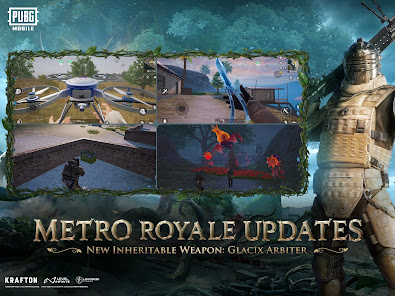
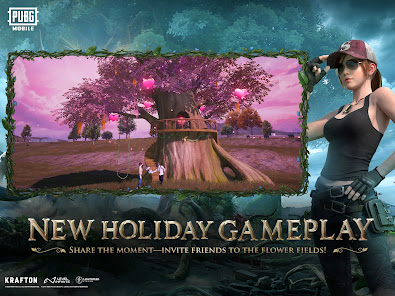
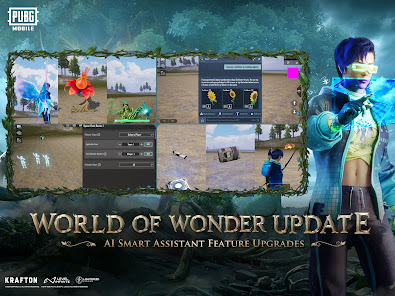
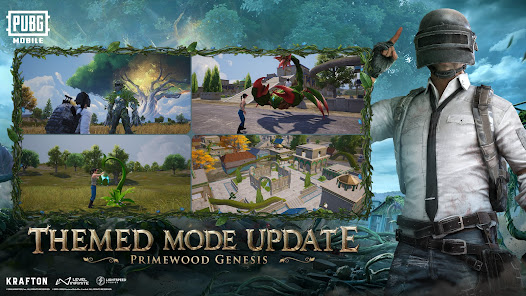
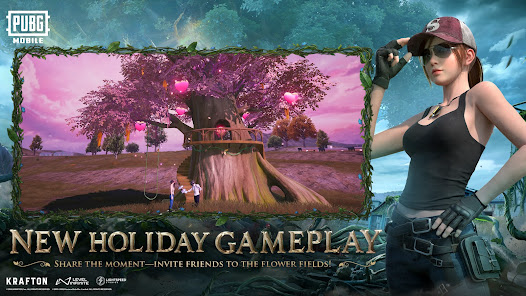
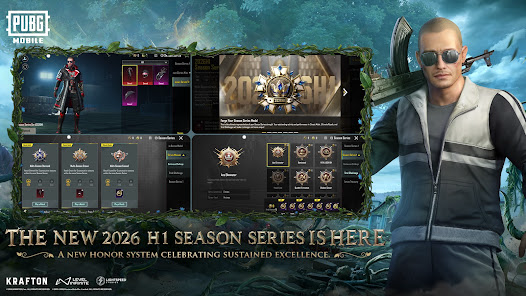
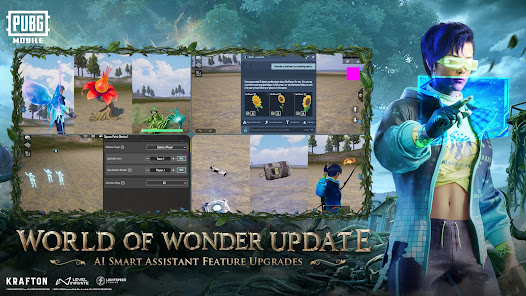
PUBG MOBILE is a mobile version of the popular battle royale game PlayerUnknown's Battlegrounds (PUBG). It is a multiplayer game in which players parachute onto an island and compete against each other to be the last person or team standing. Players must scavenge for weapons, ammunition, and other supplies while trying to avoid being killed by other players and the shrinking play zone. PUBG MOBILE also features different game modes, such as classic, arcade, and EvoGround, as well as various maps and events. The app is used for entertainment and gaming purposes and can be downloaded on both Android and iOS devices.
The PUBG MOBILE app has a variety of features that make it a great choice for mobile gamers. Here are some of the features that make PUBG MOBILE stand out: If you're a fan of PlayerUnknown's Battlegrounds, then you'll want to check out the PUBG MOBILE app. This app allows you to play the popular battle royale game on your mobile device. Here's how to use the PUBG MOBILE app: There are many reasons to love playing PUBG MOBILE, but there are also a few drawbacks. Here is a look at the pros and cons of this popular app:Features and Functions
-Realistic graphics that give you a true sense of the game environment
-A large map that provides plenty of room for exploration and tactical gameplay
-A variety of weapons and vehicles to choose from, each with their own strengths and weaknesses
-Intense and exciting multiplayer battles against players from all over the worldHow to Use PUBG MOBILE
1. Download the app from the App Store or Google Play Store.
2. Create an account and login.
3. Choose a game mode and map.
4. Find and loot weapons, vehicles, and other items.
5. Kill enemies and be the last person standing to win!Pros & Cons
PROS:
1. PUBG MOBILE is an incredibly addictive game that will keep you coming back for more.
2. The graphics and gameplay are both top-notch and provide a great experience.
3. There is a good amount of variety in the game, with different weapons, vehicles, and maps to choose from.
4. The developers consistently release new content updates that keep the game fresh and exciting.
5. The app is free to download and play, with optional in-app purchases available if you want to support the developers.
CONS:
1. The game can be quite resource-intensive, so it may not run well on older or lower-end devices.
2 . PUBG MOBILE requires a constant internet connection in order to play, so you'll need a good data plan if you want to play it on your mobile device. 3 . Some people find the game to be too violent or otherwise disturbing, so it's not suitable for everyone.

 Engaging multiplayer battles with friends worldwide Regular updates introduce new content and features Realistic graphics enhance immersive gaming experiences Variety of game modes caters to all play styles Customizable controls improve player comfort and performance
 High system requirements limit accessibility for some players Frequent updates can disrupt gameplay and cause bugs In-game purchases create pay-to-win dynamics Toxic community can diminish the overall experience
 Yes, PUBG MOBILE may collect personal data as outlined in its privacy policy, which includes information such as device details, gameplay statistics, and user interactions.
PUBG MOBILE is free to download and play, with optional in-game purchases available for cosmetic items and upgrades.
Yes, PUBG MOBILE requires a stable internet connection to play, as it is an online multiplayer game.
You can contact PUBG MOBILE support through the in-game settings menu or by visiting the official PUBG MOBILE website, where you can submit a support ticket or provide feedback.
You can manage or cancel your PUBG MOBILE subscription through the app store where you purchased it, either on iOS or Android, by navigating to your account settings and subscriptions.
You can contact Customer Service through the in-game settings, then select "Customer Service" to submit your inquiry. You can also visit the official PUBG MOBILE website for support.
If you created your account using social media, it’s activated automatically. For other methods, follow the prompts during registration to complete activation.
The Customer Number is typically provided in the game under the support section; it may also be found in your account settings or profile.
Open the app and tap "Log In." You can use your Facebook, Twitter, Google, or PUBG ID to access your account.








 Google Play
  App Store