

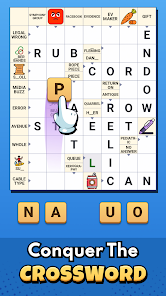
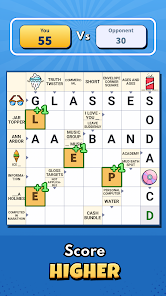
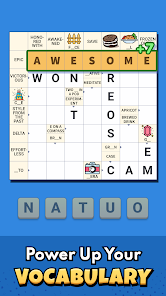
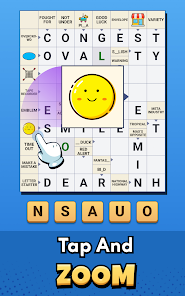
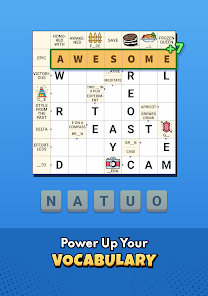

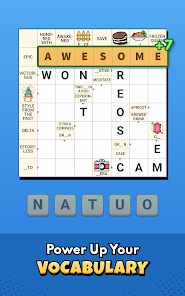
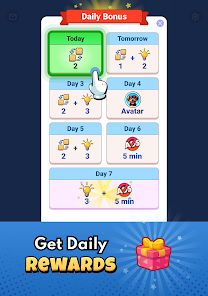
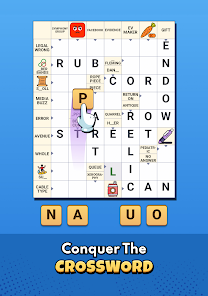
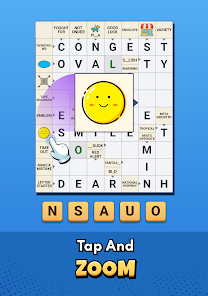
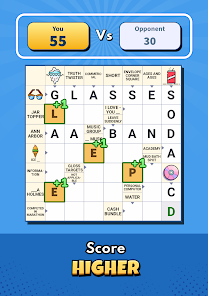
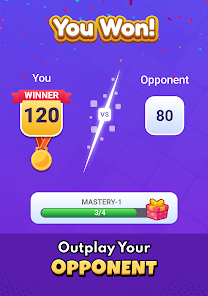
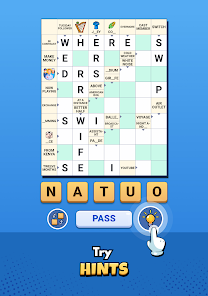
"Crossword Go!" is an engaging mobile application designed for crossword enthusiasts. One of its standout features is the vast library of puzzles, which caters to various skill levels, ensuring that both beginners and seasoned players can find challenges that suit them. The app also includes daily puzzles, providing users with fresh content to keep their minds sharp and entertained. Additionally, the user-friendly interface allows for easy navigation, making it simple to select and solve puzzles.
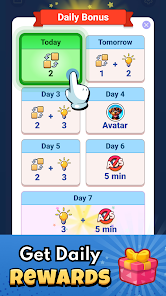
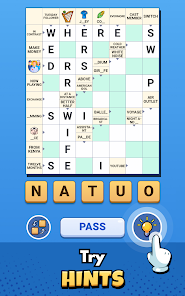
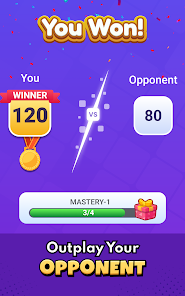
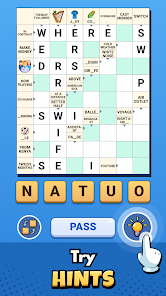
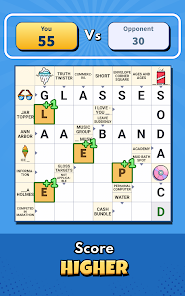
Another notable feature is the hint system, which assists players when they encounter difficult clues. Users can earn hints through gameplay or purchase them, adding a strategic element to the experience. The app also supports multiplayer mode, allowing friends to compete against each other in real-time, enhancing the social aspect of crossword solving. Furthermore, "Crossword Go!" offers customization options, enabling users to adjust the difficulty level and themes of the puzzles, making the game more personalized and enjoyable.
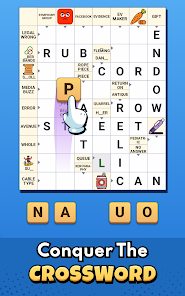
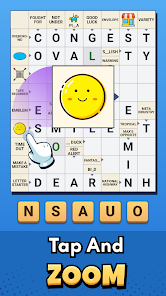
Using "Crossword Go!" is straightforward and user-friendly. After downloading the app from your device's app store, you can create an account or log in as a guest. Once inside, you will be greeted with a selection of puzzles categorized by difficulty and type. To start solving, simply tap on a puzzle of your choice, and it will open up on your screen. You can navigate through the grid using your finger or stylus, filling in answers as you go.
If you find yourself stuck on a particular clue, you can utilize the hint feature to get a nudge in the right direction. Additionally, the app allows you to track your progress and revisit puzzles you've completed. For those looking to challenge friends, the multiplayer mode can be accessed from the main menu, where you can invite others to join in on the fun. Overall, "Crossword Go!" is designed to be intuitive, making it easy for anyone to dive into the world of crosswords.
"Crossword Go!" comes with several advantages that make it a popular choice among crossword fans. One of the primary pros is its extensive library of puzzles, which ensures that players always have new challenges to tackle. The app's user-friendly interface enhances the overall experience, making it accessible for users of all ages. Additionally, the multiplayer feature adds a competitive edge, allowing friends to engage with each other in a fun way. The hint system is also a significant benefit, as it helps players overcome challenging clues without becoming frustrated.
However, there are some drawbacks to consider. Some users have reported that the hint system can lead to over-reliance, diminishing the satisfaction of solving puzzles independently. Additionally, while the app is free to download, certain features and hints may require in-app purchases, which could deter some users. Lastly, the quality of puzzles can vary, with some being less challenging than expected. Overall, while "Crossword Go!" offers a delightful crossword experience, potential users should weigh these pros and cons before diving in.

 Crossword Go! offers endless fun! Enjoy daily puzzles and challenges! Play solo or compete with friends! Hints and tips to boost your game! Customizable themes for your style!
 Limited puzzle variety available Ads can interrupt gameplay No offline mode for puzzles Requires internet for updates
  Google Play
  App Store
 Yes, Crossword Go! offers various difficulty levels to cater to players of all skill levels. From easy puzzles for beginners to challenging ones for seasoned solvers, there’s something for everyone. Players can choose puzzles that match their skill level and gradually improve over time.
Absolutely! Crossword Go! includes social features that allow you to challenge friends and compete on leaderboards. You can share your scores and achievements, making it a fun way to see how you stack up against others. Engage with your friends and see who can solve puzzles the fastest!
Yes, Crossword Go! allows some customization options, such as adjusting the font size, enabling or disabling sound effects, and choosing different themes. These features help create a more personalized gaming experience that suits your preferences. Check the settings menu for available options!
Yes, Crossword Go! allows users to play puzzles offline. Once you download the app and the puzzles you want to solve, you can enjoy them without an internet connection. However, some features, like leaderboard updates or downloading new puzzles, may require an internet connection.
You can download Crossword Go! from the App Store for iOS devices or Google Play Store for Android devices. Simply search for "Crossword Go!" in the respective store, click on the download button, and follow the installation instructions. Once installed, you can start enjoying the puzzles right away!
You can reach Customer Service by visiting the app’s support section or emailing support
If activation is required, follow the in-app instructions after purchase or check your email for an activation link.
Launch the app, tap on 'Log In,' enter your credentials, and press 'Submit' to access your account.
The Customer Number can typically be found in the app settings or your account information section.